Make a lyric video on your phone
Last updated
Karaoke Sync® turns a recording of you singing into an MP4 video with your timed lyrics on screen. Time the lyrics, record a take, switch on the lyrics when you export it, and the app does the rest.
Karaoke Sync is a free app for iPhone and Android. You choose how the lyrics look, and the video comes out exactly as the preview shows.


What you get
- An audio take in an audio-file project: your voice mixed with the music, with your lyrics on a purple background.
- An audio take in a video project: your imported video with your voice mixed in and your lyrics on top.
- A video take: the front-camera video of you singing, with your voice and the music mixed in and your lyrics on screen.
Every lyric video is an MP4 file and lasts as long as your take.
How to make a lyric video
- Time the lyrics. Import a song or video, paste the lyrics and tap along to time them (see How to sync lyrics to a song).
- Record a take. Tap Record and choose Audio Only, or Video to film yourself with the front camera at the same time.
- Open the take. Tap Listen, then Export Mix for an audio take or Export Video for a video take. In a YouTube project an audio take's button is Export Voice, and on iPhone a video take's is Export Voice Video.
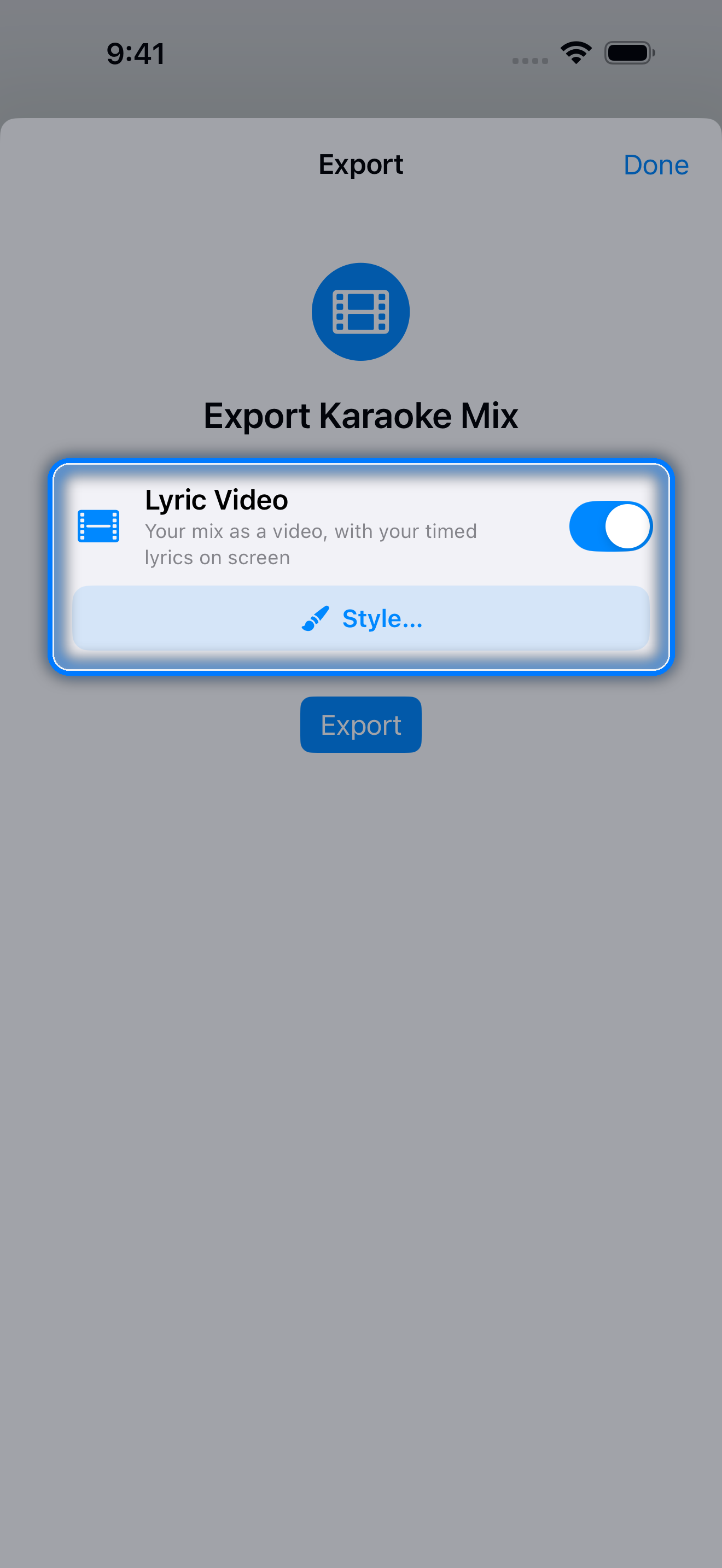
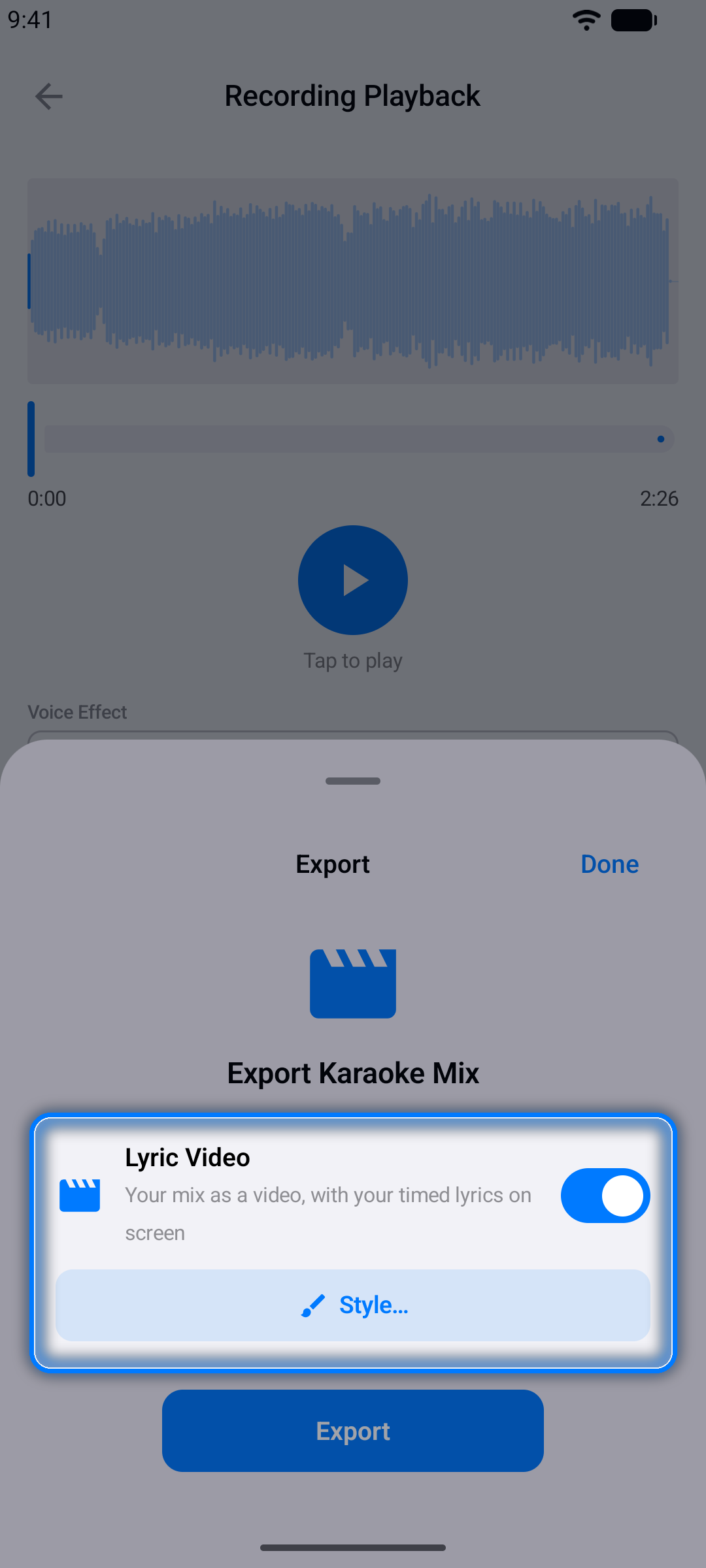
- Switch the lyrics on. Turn on Lyric Video (audio take) or Lyrics on video (video take). In a video project, turn on Video first; Lyrics on video appears under it.
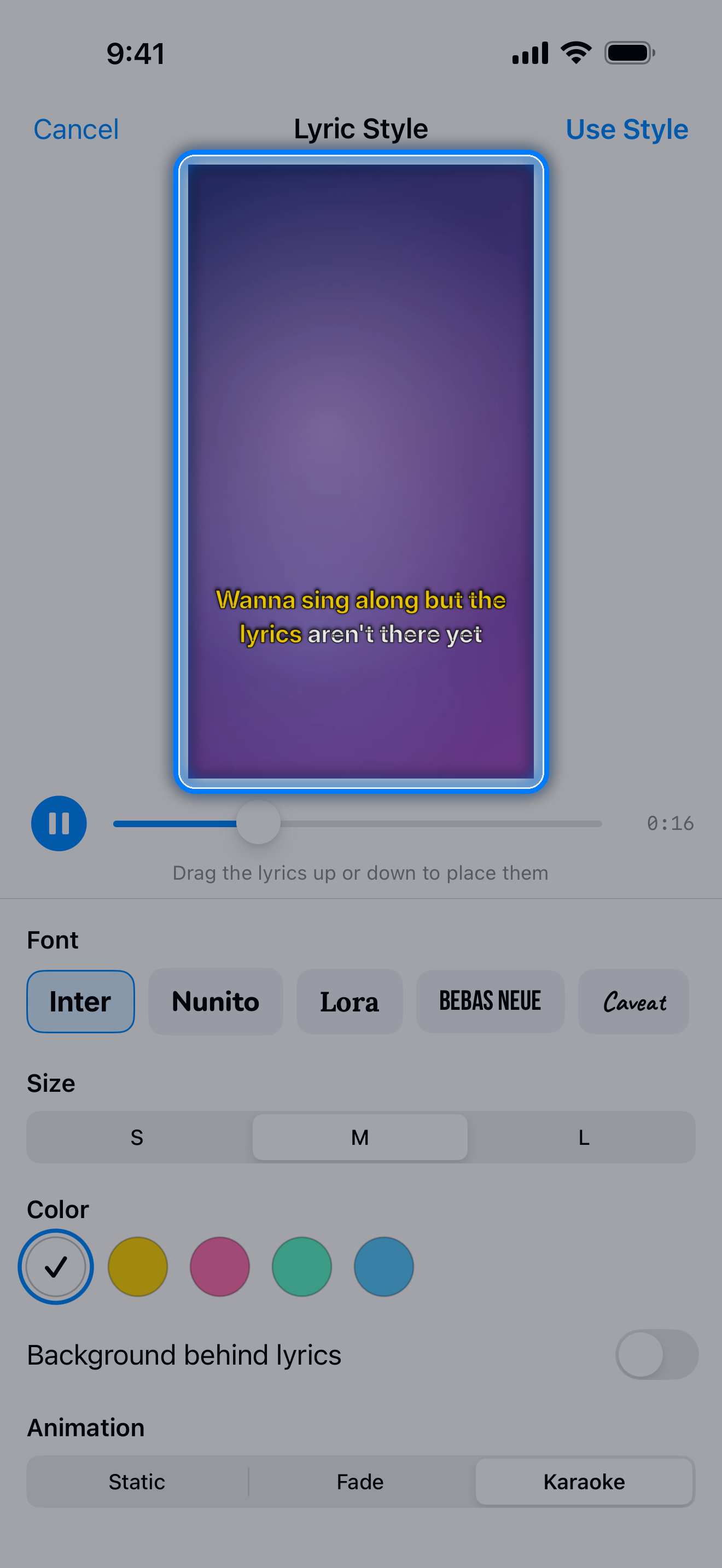
- Style it. Tap Style… to open the Lyric Style screen. Skip it and the video uses your current style.
- Export. Tap Use Style, then Export.
Style options
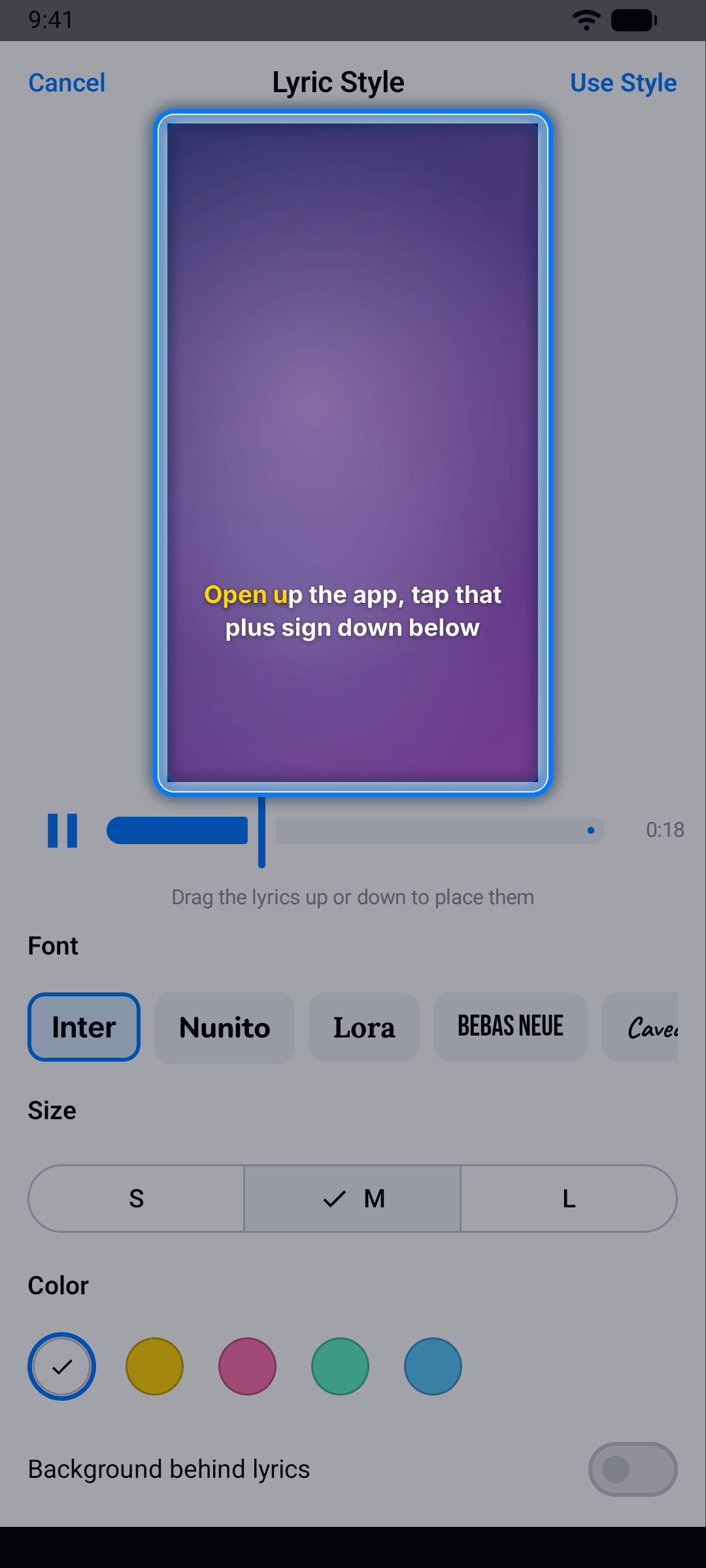
- Position: drag the lyrics up or down in the preview.
- Font (Inter, Nunito, Lora, Bebas Neue or Caveat), Size (S, M or L) and Color (white, yellow, pink, mint or sky).
- Background behind lyrics, so they stay readable on a busy picture.
- Animation: Static, Fade, or Karaoke. Karaoke fills in each word as it is sung on lines with word timing; lines without word timing simply appear and disappear.
Your style is saved with the project, and your latest choice becomes the starting point for your next video.
Good to know
- YouTube projects: the YouTube sound is never captured, so a lyric video from a YouTube project carries your voice only (and your camera, for a video take).
- Length: the video lasts as long as your take.
- Exports: each video you export counts as one export. The free version includes 10 exports without ads; Pro removes the limit.
Rights: only import songs and videos you have the right to use and share. Before a video project's recording is exported, the app reminds you of this.
Questions and answers
Can I make a lyric video without singing?
Not directly. Every lyric video is made from a recording, so you record a take first: an audio take for the music with your voice, or a video take to film yourself as well. The Export button in the project editor makes lyric files (LRC, SRT and others), not videos.
What format is the video?
MP4.
Can the lyrics highlight word by word?
Yes. Give the lines word timing (switch the Timing screen to Words), then choose the Karaoke animation. Each word fills in as it is sung.
Make your first lyric video free on iPhone or Android.
More guides
- How to sync lyrics: time lyrics to any song, line by line or word by word
- LRC maker: make an LRC or Enhanced LRC lyrics file
- Lyrics to SRT: turn timed lyrics into an SRT subtitle file
- Karaoke Sync tutorial: the complete user guide, in 33 languages
- Karaoke Sync home: features, pricing and questions